
Your personal collection of songs should not be bound to a specific service or app. Ask yourself: do you want to keep paying for a subscription just to access a list of songs you painstakingly curated? What happens when the company running the service ceases to exist or loses the rights to certain songs?
Something like this happened to me with an internet-favorite meme song in a popular chord app! I simply wanted to rickroll my friends while playing the piano and was suddenly confronted with this:
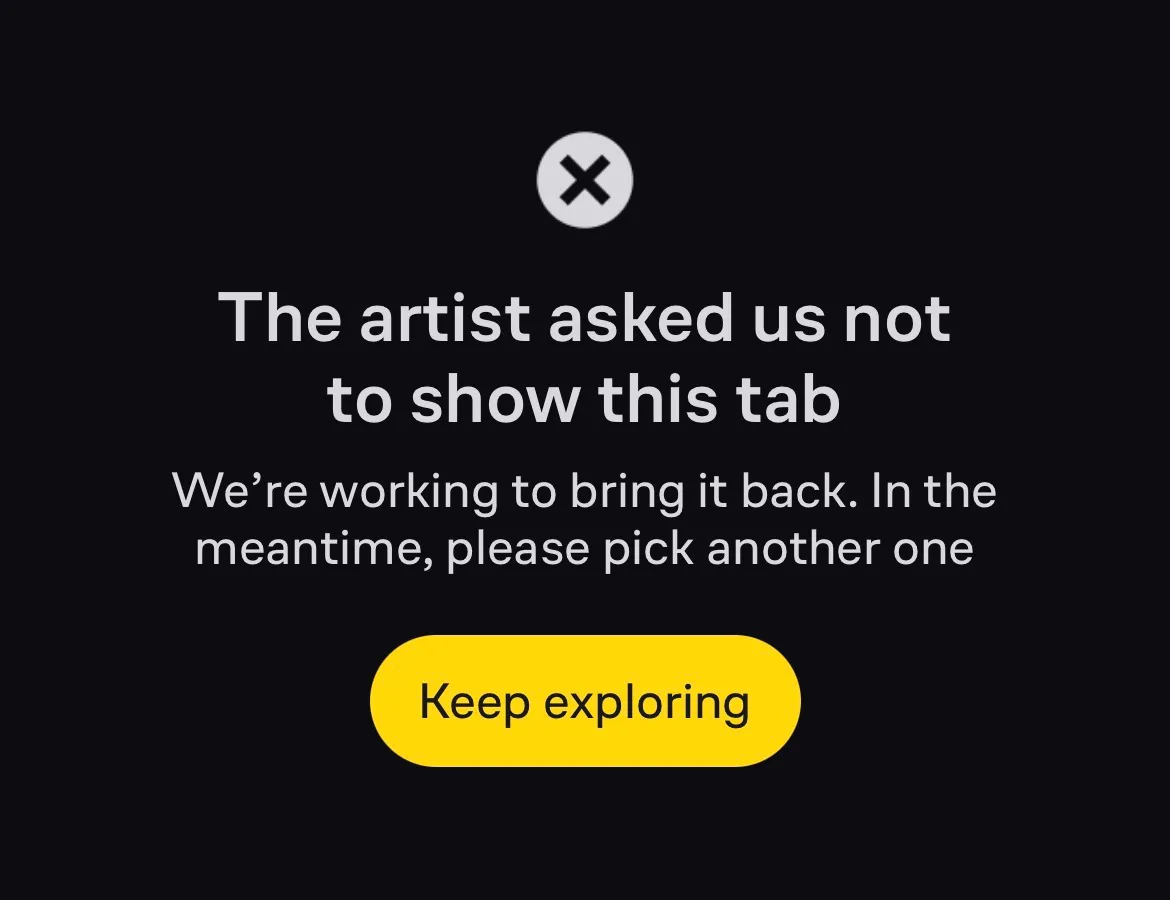
The solution to these problems is taking ownership of your data. A good way to do this is to store it in an open file format on a medium you control, where it can be read without proprietary software. The most basic example is a plain text file. It can be read on a computer from 20 years ago and will most likely still be readable in 100 years or more.
File over app
Steph Ango, who works on Obsidian, realized this and coined the concept "File over app" in his essay of the same name. That idea influenced how chordlist stores songs. Because every song is saved as a text file on your own device, there is no lock-in and no way for third parties to remove access to your collection.
Every song is a file
To save more than just lyrics, chordlist uses Markdown, which is still plain text, with a few conventions on top. Metadata like the chords goes into the so-called frontmatter, a short block at the top of the file, so everything about the song is in one place:
---
chords: G D Em C
tags:
  - piano
---

[Verse]
G                         D
Coffee on the counter going cold
Em                        C
Radio is humming something old
The file format documentation lists every field chordlist reads. Apps like Obsidian can read and edit these files too, so they are cross-compatible, and they can be synced with cloud services such as iCloud Drive to share one library across multiple devices. See managing files with other apps for how that works in practice.